Cleaning up Unused Addresses
Purpose: this article will describe how to clean up unused addresses.
First run the Address Clean up Report.
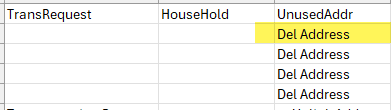
- From the report select the Del Address link in the Unused Address Column.
- If the links were activated properly in the file selecting this link should take you back to Infinite Campus, to the Address Information Screen for the address that needs to be deleted.
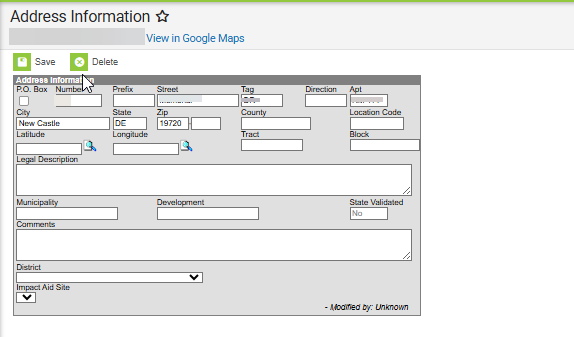
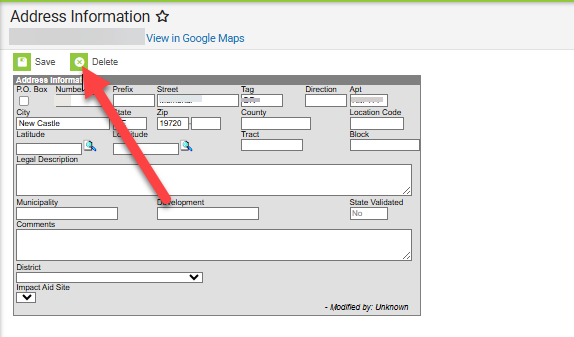
- From this page, select the Delete button to remove the address.